How to Lock Social-Casino Spending Before You Play
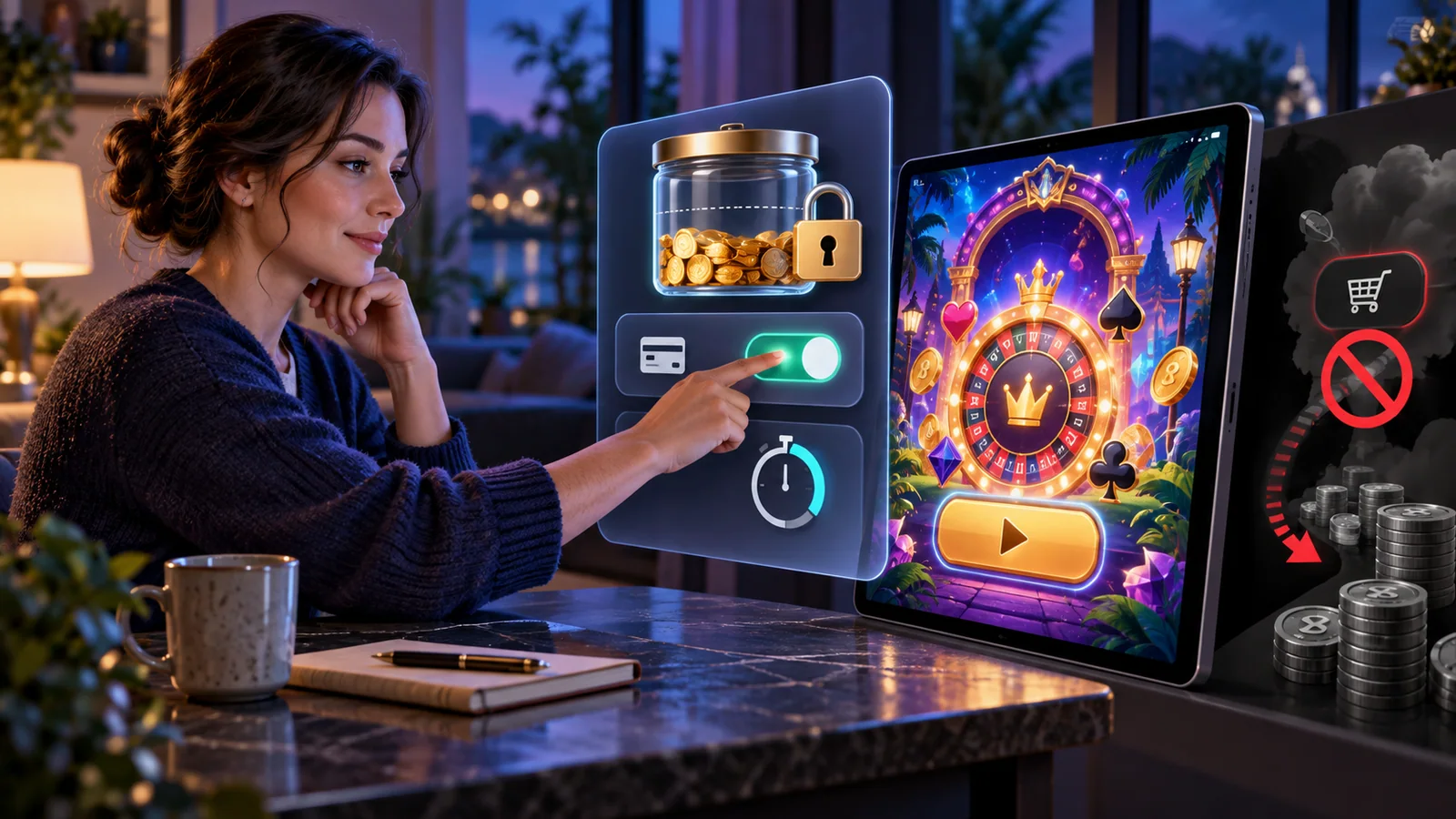
Image: Lophy
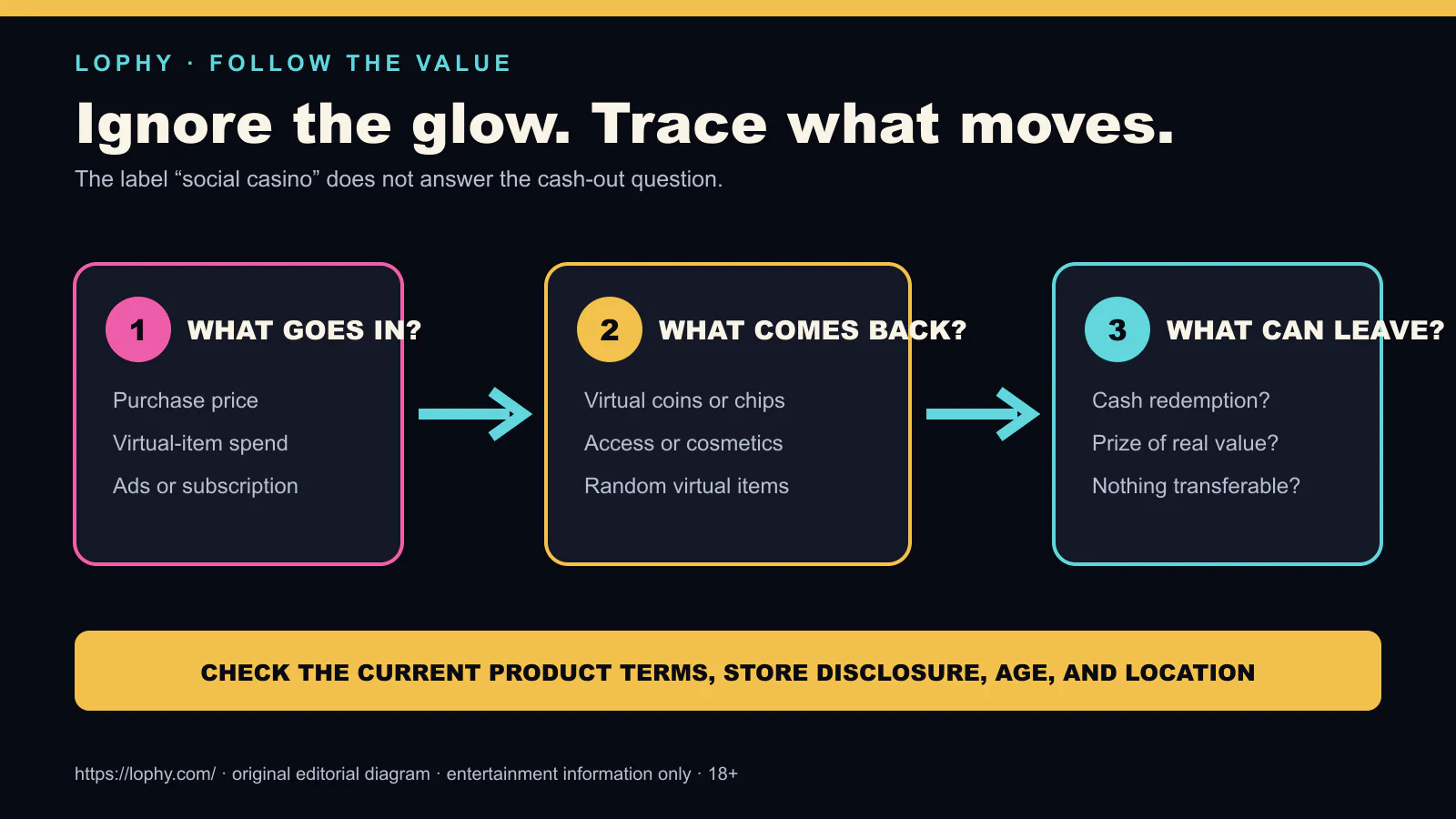
Play-money casino apps can be free to install while still selling virtual currency, extra play, or randomized items. The cleanest spending decision happens before the lights, sounds, countdowns, and limited offers begin.
This guide does not diagnose gambling harm and does not guarantee that every charge is blocked. It shows the purchase controls Apple and Google currently document, plus a simple rule for using them deliberately.
Choose your boundary first
Pick one of three boundaries before opening the app:
| Boundary | Practical setup | Best fit |
|---|---|---|
| No spending | Disable in-app purchases where the platform permits it | You want the product to remain strictly play-money and free |
| Every purchase needs friction | Require verification for every platform-billed purchase | You want a deliberate pause before any charge |
| Accountable family use | Use family approval and keep the approval credential with another adult | A child or shared-device user should not approve their own purchase |
A monthly budget is useful for tracking, but it is not necessarily a hard spending cap. Verification adds friction; it does not decide whether a purchase is good.
iPhone and iPad: block in-app purchases
Apple’s current instructions use Screen Time:
- Open Settings and select Screen Time.
- Open Content & Privacy Restrictions and turn the restriction on.
- Select iTunes & App Store Purchases.
- Select In-app Purchases, then Don’t Allow.
Apple also documents requiring a password for purchases and using Ask to Buy for children in a Family Sharing group. If the boundary is meant to protect someone else, the protected user should not know the Screen Time passcode.
Menus can change between operating-system versions and regions. Follow the current Apple page linked below if the wording on your device differs.
Android and Google Play: require verification
Google documents several verification methods, including biometrics, a device screen lock, Google prompts, and the Google Account password, depending on eligibility and region. Where frequency-based choices appear, Always requires verification for every purchase through Google Play’s billing system, including in-app purchases.
There are two important limitations:
- A shared fingerprint, face profile, device PIN, or password may let another device user approve the charge.
- Google says its verification settings apply to purchases through Google Play’s billing system. They may not control an alternative billing route offered in an eligible market.
So the practical Android check is not merely “verification on.” Confirm who can satisfy the verification and whether the checkout is actually using Google Play.
Remove the fastest path back to spending
After setting the platform control:
- remove saved payment methods you do not need;
- turn off promotional notifications from the game;
- do not store the restriction passcode beside the device;
- review receipts and purchase history weekly;
- uninstall the app if bypassing the boundary becomes the activity.
These steps are intentionally unexciting. That is the point. A useful control interrupts urgency instead of competing with it.
Test the setup without completing a charge
Open a purchase screen only far enough to confirm that the expected block or verification prompt appears. Cancel before payment. If the app presents a different billing provider, stop and reassess because the platform control may not cover it.
Do not use a real purchase as the test.
If spending already feels difficult to control
Technical controls are not a substitute for support. Ask a trusted person to hold the restriction credential, contact the platform about unrecognized charges, and use a local gambling-support or financial-counselling service where appropriate. Play-money rewards are not cash winnings, but the money paid for them is real.
Primary sources
- Apple Support: Use Screen Time to turn off in-app purchases
- Google Play Help: Purchase verification
- Google Play Help: Alternative billing systems
Source check: 2 August 2026. Settings and billing options can vary by device, account, and country.
social casinoin-app purchasesApple Screen TimeGoogle Playspending controlsplay-money